
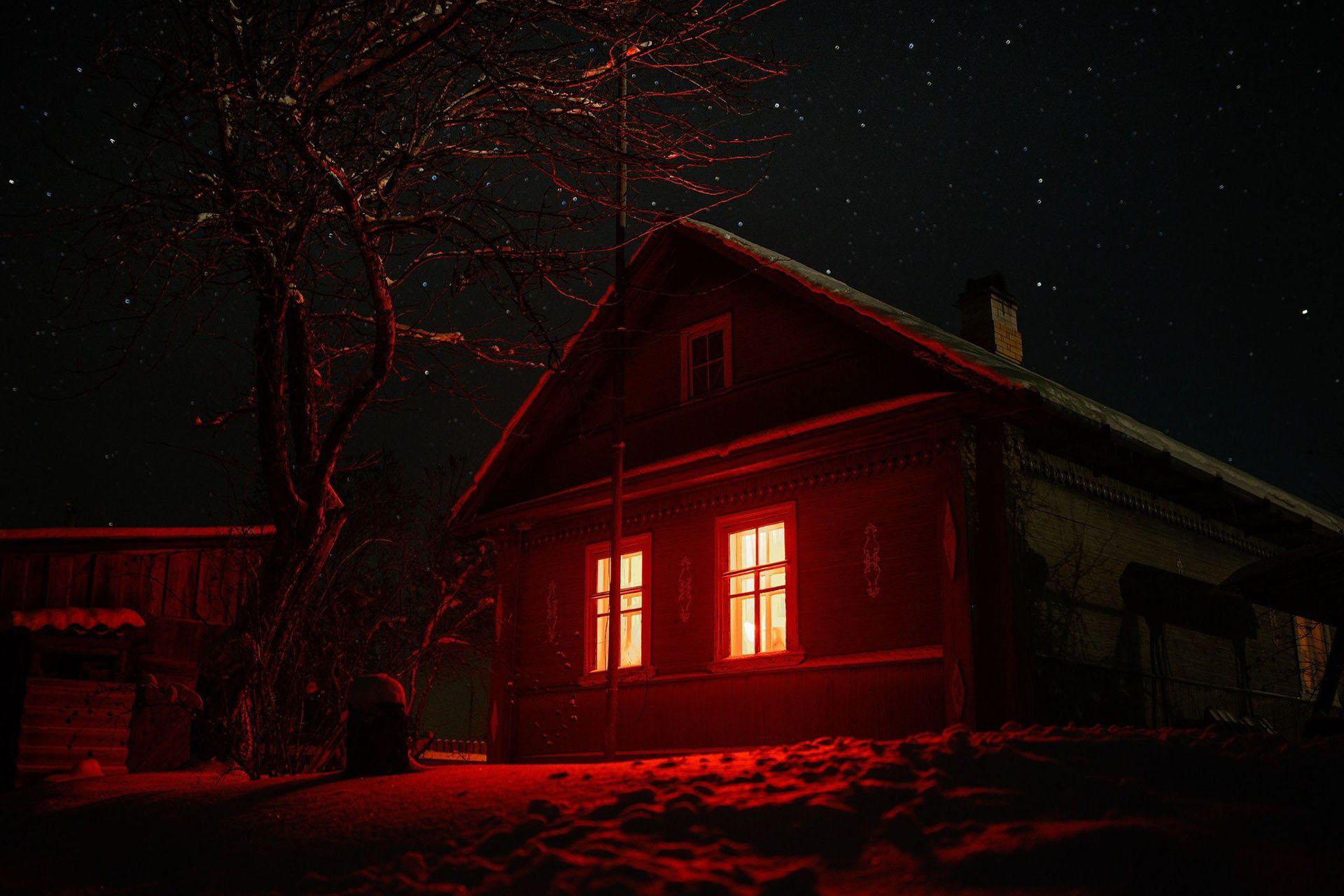
Halloween is one of those nights when making your home a little strange is part of the fun. A normal porch can become a spooky entrance. A quiet hallway can feel cinematic. Even a simple window can suddenly look like something is watching from the other side. Now your haunted house can watch back. With connected lights, motion sensors, speakers, video doorbells, cameras, and projectors, you can create Halloween effects that react when someone approaches. Instead of leaving every decoration running all night, you can make your house respond at exactly the right moment. The trick is to stop thinking about individual gadgets and start thinking like a haunted-house director. You are setting a scene: what visitors see, what they hear, when the scare happens, and what happens next.
Step One: Choose Your Haunted House Mood
Before connecting lights or programming sensors, decide what you want your Halloween setup to feel like. Do you want playful, spooky, or genuinely creepy? Do you want a dramatic haunted mansion or a fun trick-or-treat porch? Do you want bright pumpkins and colorful lights or shadows, fog, and mysterious sounds? Write one simple mood note such as “Moody haunted mansion with flickering lights and distant footsteps.” That sentence becomes your anchor. Once you know the mood, choosing technology becomes much easier.
Step Two: Pick One Main Trigger
A good scare needs timing. You do not want a ghost screaming every 20 seconds while nobody is nearby. Instead, choose something that tells your haunted house when it is time to perform. Your trigger might be someone walking toward the porch, movement near the front door, someone pressing the doorbell, or a door opening. Motion sensors are especially useful because they can keep an effect hidden until somebody reaches exactly the right place. For example: Visitor approaches, motion detected, porch light flickers, footsteps begin, hidden speaker whispers. Suddenly, several ordinary devices feel like one coordinated haunted-house effect.
Step Three: Use Smart Lighting to Build the Scene
Lighting is one of the easiest ways to make your home feel completely different. Instead of simply switching orange lights on, think about what the lights should do. You could create slow, moody pulses, dramatic lightning flashes, flickering candle effects, sudden darkness, or eerie window lighting. Smart plugs can also bring some regular decorations into the setup. A compatible lamp, string of lights, or powered prop can switch on according to a schedule or trigger without needing to be a smart decoration itself. The important part is the reveal. If visitors can see everything from the sidewalk, you lose the surprise.
Step Four: Add Sound Where Visitors Do Not Expect It
Now give your haunted house a voice. A hidden speaker can play footsteps, whispers, scratching, creaking doors, wind, distant laughter, growling, or thunder. Placement matters. Instead of putting the speaker beside the decoration, hide it somewhere unexpected. A quiet scratching sound behind a visitor can be more effective than a loud scream directly in front of them. If you want something playful for younger trick-or-treaters, use bubbling cauldrons, silly monster noises, or talking pumpkins. For a moodier setup, try distant footsteps followed by a whisper just before the lights change.
Step Five: Make the Machines Work Together
This is where things get interesting. Instead of controlling every device separately, connect your effects into one simple sequence. Imagine a visitor entering the walkway. A motion sensor notices them. The porch lights dim. Footsteps begin playing from a hidden speaker. A ghost appears in the window. When they reach the door, the doorbell plays a spooky sound and the porch lights suddenly flash. That is much more memorable than having every light, speaker, and decoration running continuously. Think of your sensor as the stage manager. It gives the cue, and everything else performs.
Step Six: Remember That Your Haunted House Is Connected
If your Halloween routine uses a video doorbell, camera, or several connected devices, security matters too. Check whether video is being recorded, where recordings are stored, who can access them, and whether your devices are updated. If you are running a larger setup for a business, event space, school, or attraction, it can also help to think about how connected devices are protected across the network. Resources covering cisco cloud security solutions can provide useful context around securing connected environments, especially when cameras, sensors, and other devices rely on cloud services. You do not need to make this complicated. You simply want to know what your equipment is doing and who can access it.
Step Seven: Keep Your Halloween Network Simple
It is tempting to connect everything, but more technology does not automatically create a better haunted house. A small display might only need one motion sensor, two or three lights, one hidden speaker, and one projector. That can already create a dramatic sequence. If you are building something larger, reliability becomes more important. Keep guest access separate where practical, update connected equipment, and make sure your Wi-Fi reaches every place where you need it. Your haunted house should go offline because Halloween is over, not because the network disappears halfway through the first scare.
Step Eight: Test the Scare Before Halloween Night
Do not wait until trick-or-treaters arrive to test everything. Walk through your setup yourself and check whether the sensor activates too early, whether visitors can see the prop before the reveal, and whether the sound starts at the right moment. A common mistake is doing too much at once. If lights flash, speakers scream, ghosts appear, and every decoration moves simultaneously, the scene can feel chaotic. Instead, add pauses. Let one effect lead naturally into the next. Suspense needs a little empty space.
Let the Haunted House Do the Work
The fun part of a connected Halloween display is not showing people how much technology you own. It is making the technology disappear into the experience. A motion sensor should feel like the house noticed someone approaching. A smart light should feel like the hallway suddenly came alive. A projector should make visitors wonder whether something really moved behind that upstairs window. Start with one mood, one trigger, and one simple sequence. Test it, adjust the timing, and add details only when they improve the scene. Once you do that, your Halloween decorations stop simply sitting there. They wait, they listen, and when someone gets close enough, the haunted house knows exactly what to do.
Support Halloween Love
If an item was discussed in this article that you intend on buying or renting, you can help support Halloween Love and its writers by purchasing through our links:
